Are your Figma prototypes feeling static and laborious to build? Elevate your UI/UX design workflow with cutting-edge prototyping techniques that will wow clients and streamline your process.
Key Takeaways
- 1Master advanced Figma prototyping for dynamic designs.
- 2Learn to build interactive components and use variables.
- 3Discover 'Sections' for cleaner, more efficient prototypes.
- 4Supercharge your workflow with AI design-to-code.
- 5Deliver impressive, user-centric interactive experiences.
Who this is for
- If you're struggling to make your Figma prototypes feel truly alive,
- If you're looking for ways to impress clients with realistic simulations,
- If you're a UI/UX designer aiming to level up your prototyping skills,
Start Learning with AI-Powered Video Summaries
Get instant summaries, ask questions, and turn any video into an interactive study session.
Try Querivo Free →Slash Prototype Complexity with Figma's 'Sections' Feature
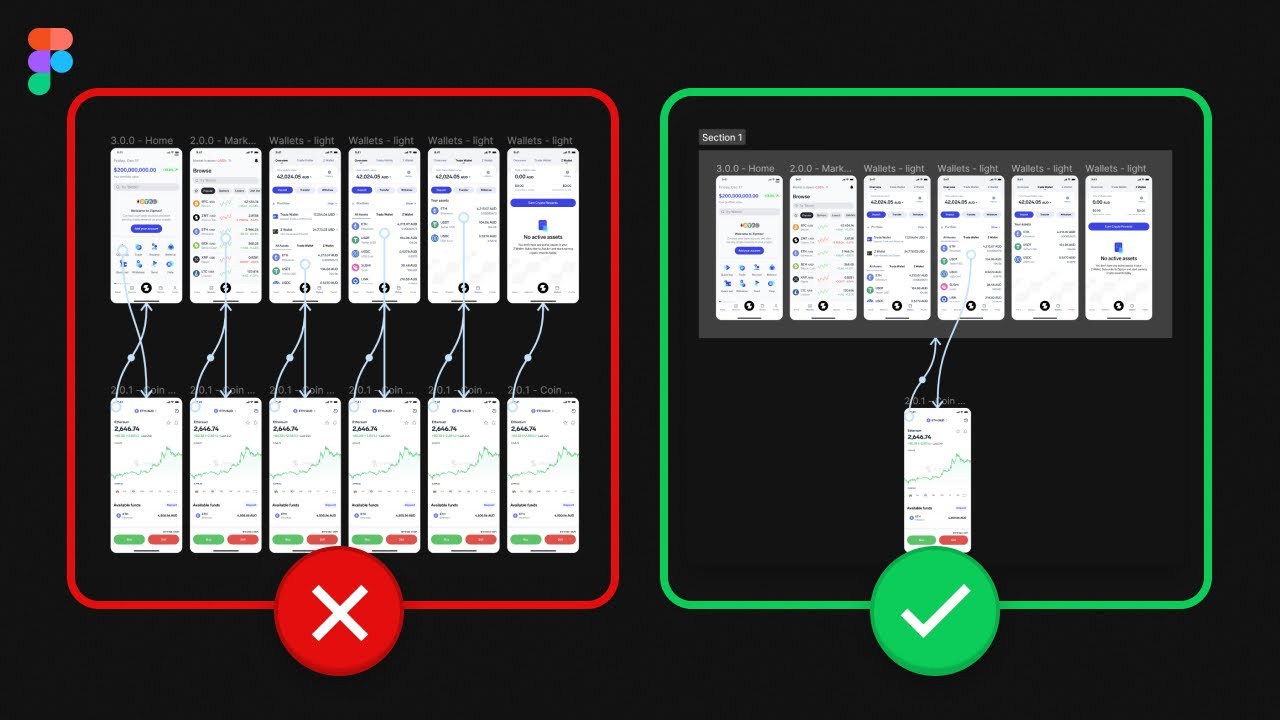
Tired of wrestling with endless duplicate connection lines in your Figma prototypes? It's a common pain point that can bog down your workflow and make your files messy. This video introduces a surprisingly simple yet incredibly powerful feature that can dramatically simplify your prototyping process. We're talking about Figma's 'Sections' feature, and honestly, it's a bit of a game-changer for managing complex user flows.
Instead of linking every single back button or navigation element individually, you can now link to entire 'Sections'. This means if you have a series of related screens within a section, like a checkout process or a settings menu, a single link can take you back to the start of that entire flow. It's a much more intelligent way to handle navigation and drastically reduces the number of connections you need to manage. This can actually lead to a smaller prototype file size and faster build times, which is always a win.
This tutorial is perfect if you've found yourself duplicating screens just to manage back navigation or if your prototypes feel overly complicated. It’s a solid technique to add to your Figma prototyping YouTube arsenal.

- Use Figma 'Sections' for dynamic back navigation.
- Link to entire sections, not individual screens for back actions.
Supercharge Your Deliverables with AI-Powered Figma-to-Code
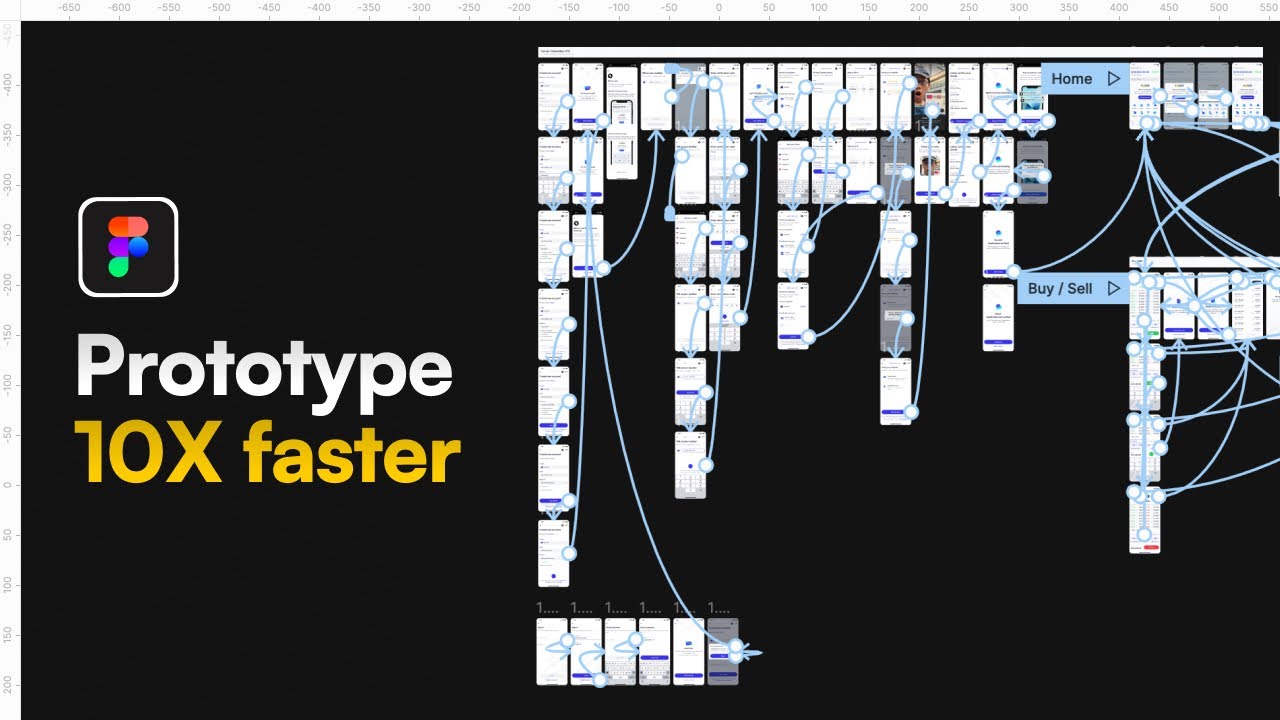
Imagine being able to present clients with not just a clickable prototype, but a live, coded version of their design, generated almost instantly. This video explores a truly revolutionary approach to bridging the gap between design and development, leveraging the power of AI. It dives into how tools like Claude can rapidly convert your Figma designs into functional Tailwind CSS code, drastically accelerating client proposals and your overall product development cycle.
This isn't just about speed; it's about enhancing your deliverables. Being able to show clients a coded prototype offers a much clearer picture of the final product, which can lead to higher close rates and more confident sign-offs. It transforms the way you communicate design feasibility and can genuinely speed up how quickly a product goes from concept to reality. If you're looking to stand out and work more efficiently, this is definitely worth exploring.
This approach is particularly valuable for designers who want to offer more than just static mockups or for agencies looking to streamline their client proposal process. It’s a clever way to use modern tech to your advantage.
- Leverage AI (Claude) to convert Figma designs to Tailwind CSS.
- Present live, coded prototypes for enhanced client proposals.
Build Dynamic and Interactive Elements with Figma Variables
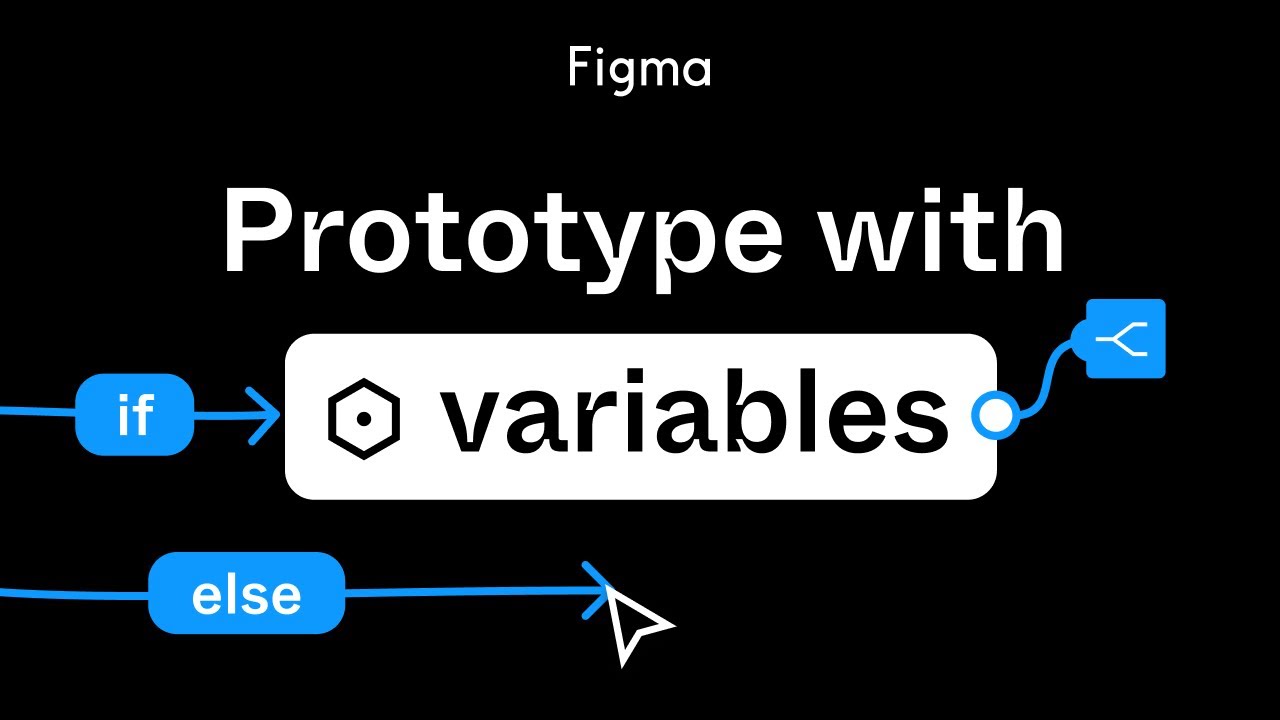
Moving beyond static interactions, Figma's variables feature opens up a whole new world of sophisticated prototyping. This video demonstrates how to harness the power of Color, Number, and String variables to create truly dynamic and intelligent designs. You'll learn how to implement conditional logic, like If/Else statements, allowing your prototypes to react and behave in more complex, realistic ways.
The creator walks through building interactive components, like a dynamic thermometer, showcasing how variables can drive Smart Animate and component state changes. This moves your prototyping from simply showing flow to demonstrating actual functionality. It’s about creating components that feel alive, responding to user input and changing their state accordingly. This is absolutely essential for crafting advanced user experiences.
If you're looking to add depth and interactivity to your prototypes, making them more robust and engaging, this tutorial is a must-watch. It’s a key step in mastering advanced Figma prototyping.
- Master Figma Variables (Color, Number, String).
- Implement conditional logic (If/Else) for advanced scenarios.
Study This Video Deeper
Get an AI summary and ask questions about confusing parts in real-time.
Open in Querivo →Mastering Interactive Components for Reusable and Scalable Designs
Interactive components are the backbone of modern design systems and advanced prototyping. This video offers practical, hands-on guidance for building sophisticated interactive components in Figma. It emphasizes best practices, ensuring your components are not only reusable and consistent but also capable of complex animations and state changes within a single, elegant package.
You'll discover how to create components that truly mimic real-world interactions, managing multiple states and transitions seamlessly. This approach significantly boosts efficiency, allowing you to build out complex interfaces with fewer elements and less repetitive work. Understanding how to properly construct these components is crucial for scalability and maintaining a cohesive design language across large projects. It’s a fundamental skill for any serious Figma user.
This tutorial is ideal for designers who want to build more robust, maintainable prototypes and design systems. It really drives home the power of component-based design in Figma.

- Build robust, reusable interactive components in Figma.
- Implement complex animations and state changes within components.
Your Next Steps
By incorporating these advanced Figma prototyping techniques like 'Sections,' AI-driven code generation, and the strategic use of variables and interactive components, you can drastically improve your efficiency, enhance client presentations, and deliver more sophisticated, user-centric designs.
Your Action Items
- ☐Pick one video from above and watch it on Querivo
- ☐Ask questions and check summaries while watching without breaking your flow
- ☐Use the AI chat to clarify confusing parts and deepen understanding
- ☐Come back for more curated videos on topics you want to master
Ready to transform your prototyping workflow? Start implementing these advanced techniques today and see the difference in your designs.
Turn Any YouTube Video into an Interactive Lesson
Paste any video link, get an instant AI summary, and ask questions in real-time.
Try Querivo Free →Related Videos You Might Enjoy
Looking for more perspectives on this topic? Here are some additional videos worth checking out:
Figma tutorial: Prototype with variables
How To Deliver Figma Prototypes So Fast It Feels ILLEGAL
This video teaches how to leverage AI, specifically Claude, to convert Figma designs into functional code (using Tailwind CSS) in minutes, significantly speeding up the prototyping and delivery process. By presenting coded screens instead of static designs, agencies can improve client proposals, increase close rates, and offer a higher-value service.
Figma Tutorial: Master Figma Components and Variants in 20 Minutes (Beginner Guide)
Figma Variables and Advanced Prototyping | Tutorial
This video tutorial demonstrates how to leverage Figma variables and advanced prototyping to create an interactive thermometer component. It walks viewers through setting up color and number variables, applying them to design elements, and implementing logic for dynamic behavior, such as temperature increases and alerts.