Dreaming of crafting logos, illustrations, or eye-catching graphics that pop? Adobe Illustrator is the industry-standard tool for vector art, but diving into its vast capabilities can feel like staring at a blank canvas with a million brushes. Don't worry, though! This guide, curated from top beginner-friendly YouTube tutorials, is here to demystify Illustrator and empower you to create your first vector masterpiece.
Key Takeaways
- 1Your YouTube guide to Illustrator for beginners.
- 2Master Illustrator's workspace and core tools quickly.
- 3Understand vector graphics and set up your first document.
- 4Leverage AI to generate and enhance your vector art.
- 5Start creating stunning, scalable designs today.
Who this is for
- If you're a complete beginner feeling overwhelmed by design software
- If you're an aspiring graphic designer or illustrator looking to add vector skills
- If you're ready to transform your creative ideas into professional digital art
Start Learning with AI-Powered Video Summaries
Get instant summaries, ask questions, and turn any video into an interactive study session.
Try Querivo Free →In today's visually-driven world, proficiency in vector graphics is a crucial skill for aspiring designers and artists. Adobe Illustrator offers unparalleled power and flexibility, but its vast features can be intimidating for newcomers. This guide acts as your personal YouTube mentor, breaking down complex concepts into digestible lessons, making the learning curve smoother and more enjoyable. We've handpicked the most essential YouTube videos to kickstart your Illustrator journey. You'll learn the fundamental interface and tools, understand the core principles of vector graphics, master shape manipulation and typography, and even explore cutting-edge AI features. Get ready to transform your creative ideas into stunning, scalable vector art.
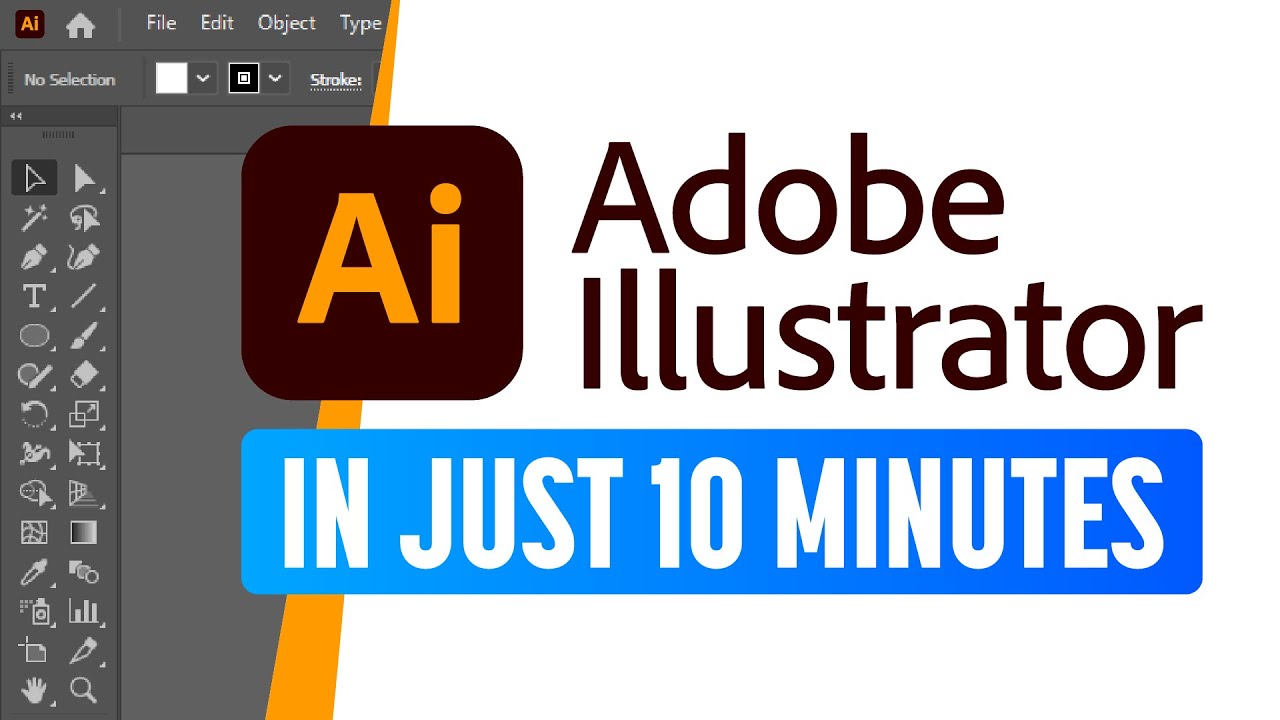
Master the Illustrator Workspace and Core Tools in Under 10 Minutes
Feeling a bit lost in the Illustrator interface? This video is your express ticket to understanding the absolute essentials. It dives right into the core of Illustrator, showing you how to navigate the workspace and get a handle on the tools you'll use constantly. If you want to start creating and manipulating basic shapes without getting bogged down in details, this is the place to begin. You'll quickly grasp the difference between the Selection tool and the Direct Selection tool – a foundational skill for editing almost anything. Plus, it gives you a peek into coloring and gradients, which are vital for bringing your designs to life. This is a seriously fast way to get up and running.

- Quickly orient yourself in the Illustrator workspace and its key panels.
- Learn to use the Selection and Direct Selection tools for basic manipulation.
- Start creating and coloring simple shapes and paths.
Study This Video Deeper
Get an AI summary and ask questions about confusing parts in real-time.
Open in Querivo →Build Your Foundation: Understanding Vector Graphics and Setting Up Your First Document
Before you start clicking around, it's super important to know why Illustrator is so powerful. This video lays that groundwork, clearly explaining the difference between raster and vector graphics. You'll finally get why vector art is king when it comes to scaling – no more pixelation worries! Beyond the theory, it's a practical guide, walking you through the Illustrator interface and showing you exactly how to set up a new document. Getting your document settings right from the start (think size, color mode like RGB vs. CMYK) can save you a ton of headaches down the line. It's a solid first step for any beginner aiming for professional results.
- Understand the crucial difference between raster and vector graphics.
- Learn how to properly set up new documents for your projects.
- Gain clarity on essential document settings like color mode and resolution.
Unlock AI-Powered Creativity: Generating Vector Art from Text
Isn't it wild that you can now create vector art just by typing? This video dives into Illustrator's exciting 'Text to Vector Graphic' feature, powered by AI. It's a total game-changer for brainstorming and getting initial concepts down quickly. You'll learn how to craft prompts that actually get you the results you're looking for, which is an art in itself! What's really cool is that it doesn't just leave you with AI art; it shows you how to edit and refine those generated graphics. Plus, it touches on the practical side of using AI-generated artwork commercially, which is definitely something you'll want to understand.

- Explore how AI can generate vector graphics from text prompts.
- Learn to write effective prompts for better AI results.
- Discover basic editing techniques for AI-generated artwork.
Embrace the Future: Exploring New AI Features and Workflow Enhancements in Illustrator 2025
Adobe is really pushing the envelope with AI in Illustrator, and this video gives you a fantastic look at what's new, especially for 2025. It’s not just about incremental updates; these are features designed to make your creative process faster and more intuitive. You’ll see how tools like Generative Fill and Text to Pattern can open up new design possibilities. Plus, it touches on exciting workflow improvements and even experimental features like Project Neo, which hints at a 3D future for your 2D designs. For beginners, understanding these advanced capabilities early on can accelerate your learning and inspire you to experiment more boldly.
- Discover powerful new AI features like Generative Fill and Text to Pattern.
- See workflow enhancements that can speed up your design process.
- Get a glimpse of cutting-edge experimental features.
Your Next Steps
You've now been equipped with the foundational knowledge and exciting new tools to begin your journey with Adobe Illustrator. From understanding the core interface and vector principles to harnessing the power of AI, you're ready to start creating.
Your Action Items
- ☐Pick one video from above and watch it on Querivo
- ☐Ask questions and check summaries while watching without breaking your flow
- ☐Use the AI chat to clarify confusing parts and deepen understanding
- ☐Come back for more curated videos on topics you want to master
These curated videos offer a clear path from complete beginner to confident vector artist. By focusing on practical application and understanding the core principles, you'll be well on your way to creating stunning graphics.
Turn Any YouTube Video into an Interactive Lesson
Paste any video link, get an instant AI summary, and ask questions in real-time.
Try Querivo Free →Related Videos You Might Enjoy
Looking for more perspectives on this topic? Here are some additional videos worth checking out:
Adobe Illustrator for Beginners #1 | Free Course
This video is the first episode of a free Adobe Illustrator course for beginners, aiming to teach users the fundamentals of vector graphics and how to use the software from scratch. It covers the difference between raster and vector graphics and provides a walkthrough of the Illustrator interface, including how to create new documents with essential settings.
10 BEST tips and tricks for Adobe Illustrator 2025 (Adobe Illustrator Tutorial)
This Adobe Illustrator tutorial presents 10 useful tips and tricks to enhance design skills, covering shape editing, color variations, guide management, and efficient object manipulation. It introduces features for copying effects, distributing objects, selecting anchor points, and generating color information, including a new update for Illustrator 2025.